
For container traders, owners and NVOCCs
Your containers. Your customers. Your marketplace.
Launch your own branded container marketplace with GAMA. Let customers explore your available inventory, review purchase and leasing options, and send trade requests through your customer portal and app. Keep their attention on your offerings while your team manages availability, rates and transactions behind the scenes.
Your brand in front. GAMA powering the experience.
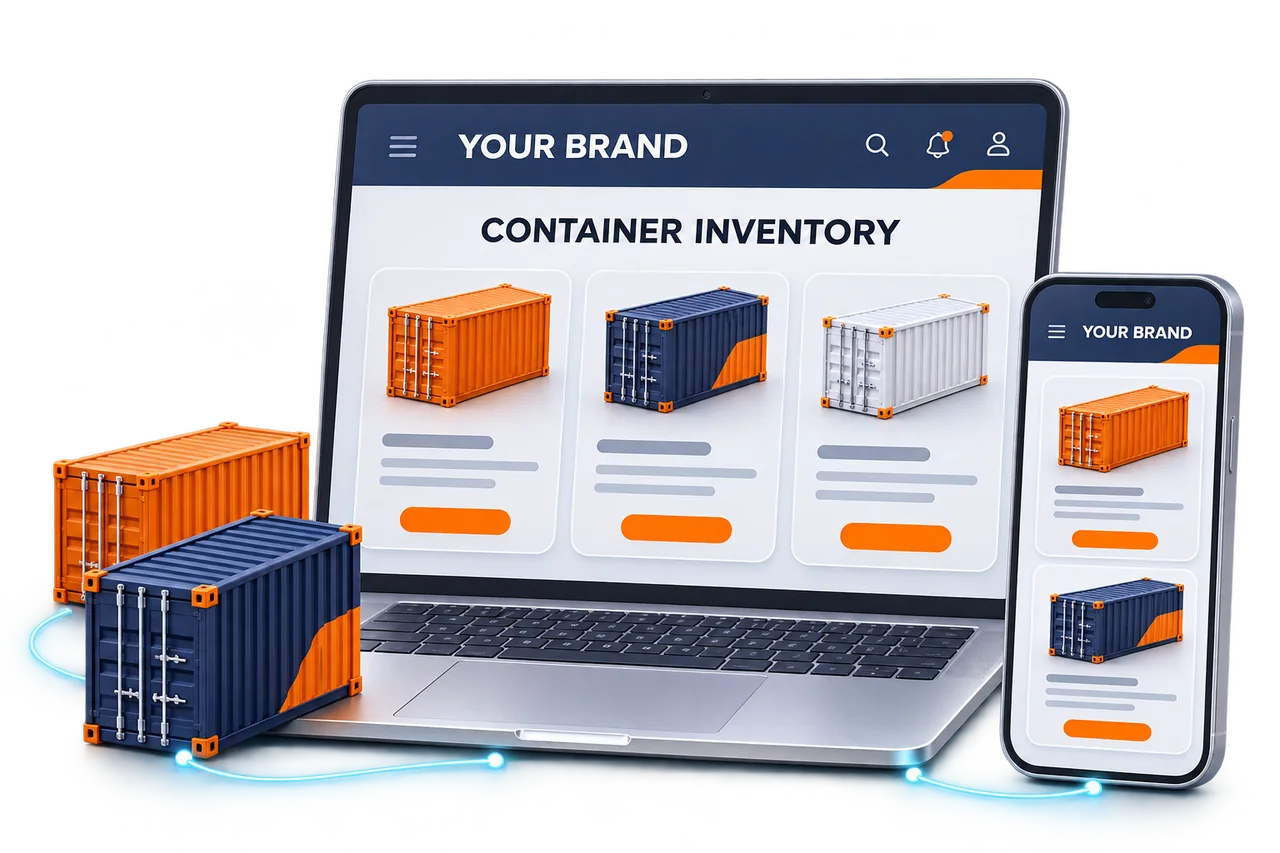
Choose the arrangement that fits your container business
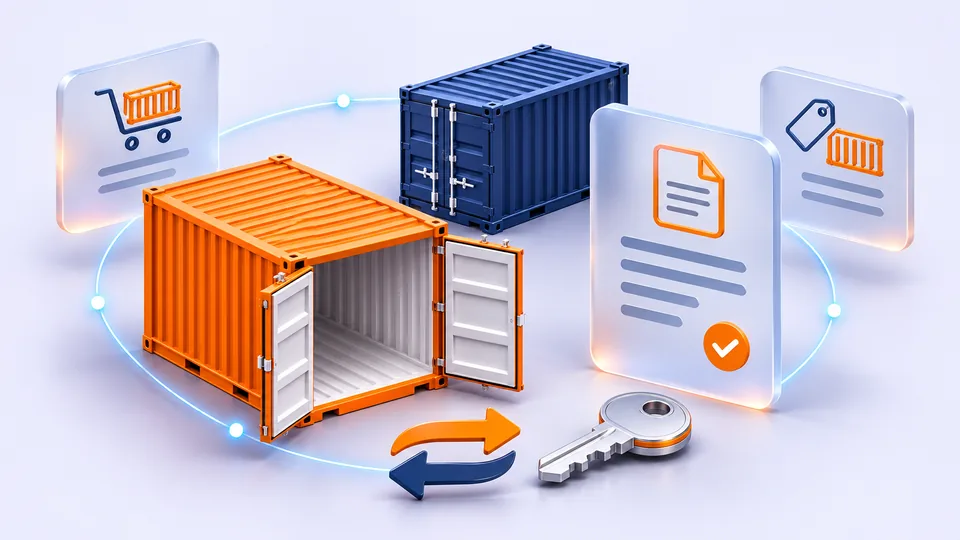
Purchase and sale
Let customers find available equipment, compare container details and send purchase requests with a unique trade reference.
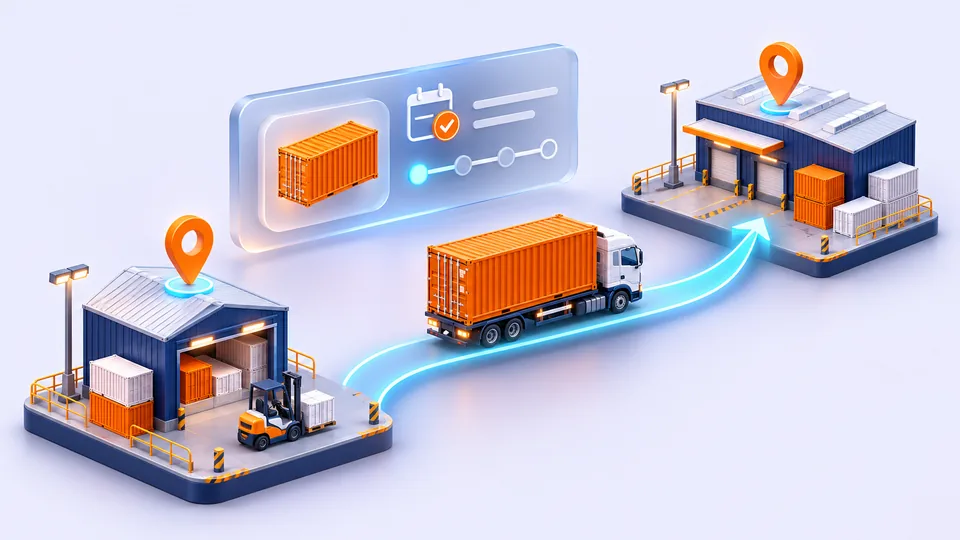
One-way leasing
Present container availability and leasing options by location, with the equipment details customers need to choose.
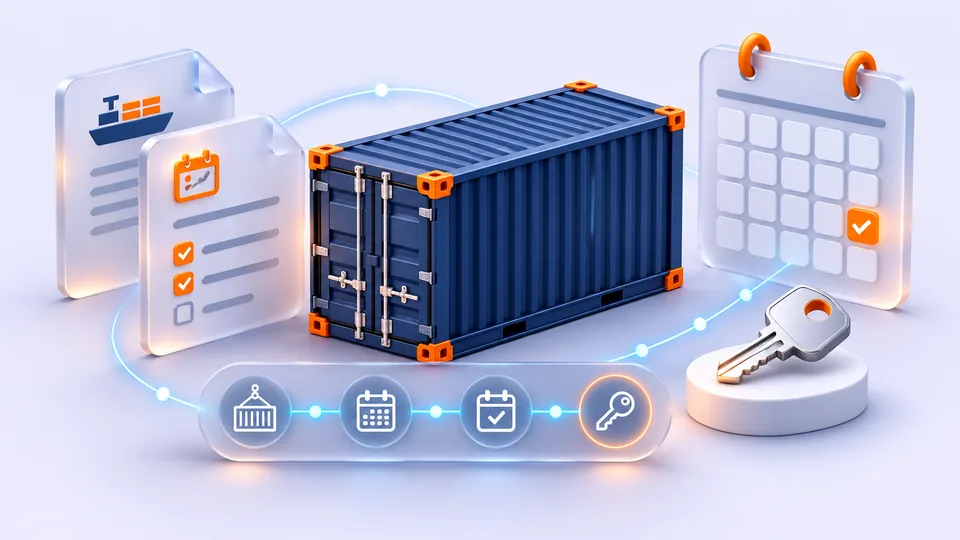
Long-term leasing and lease-to-own
Support longer-term container arrangements and lease-to-own. Discuss your contract terms and workflow requirements during the demo.
Visibility that leads to action
One-way leasing. Every obligation in view.
Explore how a connected control tower can help your team focus on container availability, customer returns and supplier off-hire obligations.
Container Leasing Control Tower
Inventory visibility · Return control · Supplier exposure
containers
52.2% · Share of open obligations
containers
30 · Past supplier free days
Current container position
All locationsWith customers / open supplier obligations
Balance available equipment with bookings. Identify containers sitting idle and allocations still awaiting pickup.
Where to focus
Operational focusPast supplier free days
Review supplier deadlines
Check free-day terms and return options.Returned · awaiting off-hire
Confirm supplier off-hire
Match depot evidence with supplier confirmation.Returns due within 7 days
Follow up customer returns
Contact customers before agreed return dates.Location breakdown
Inventory overviewScroll to view all columns
| Location | Open supplier obligations | With customers | Returned · awaiting off-hire |
|---|---|---|---|
| Dubai | 180 | 95 | 25 |
| Singapore | 125 | 65 | 15 |
| Shanghai | 97 | 50 | 12 |
| Rotterdam | 58 | 30 | 8 |
| All locations | 460 | 240 | 60 |
Illustrative preview, not a live product screen. Availability and configuration to be confirmed during your demo. Deadline flags can overlap; estimated exposure is not a posted charge.
All locations · Inventory overview · Open supplier obligations: 460
From container availability to financial records
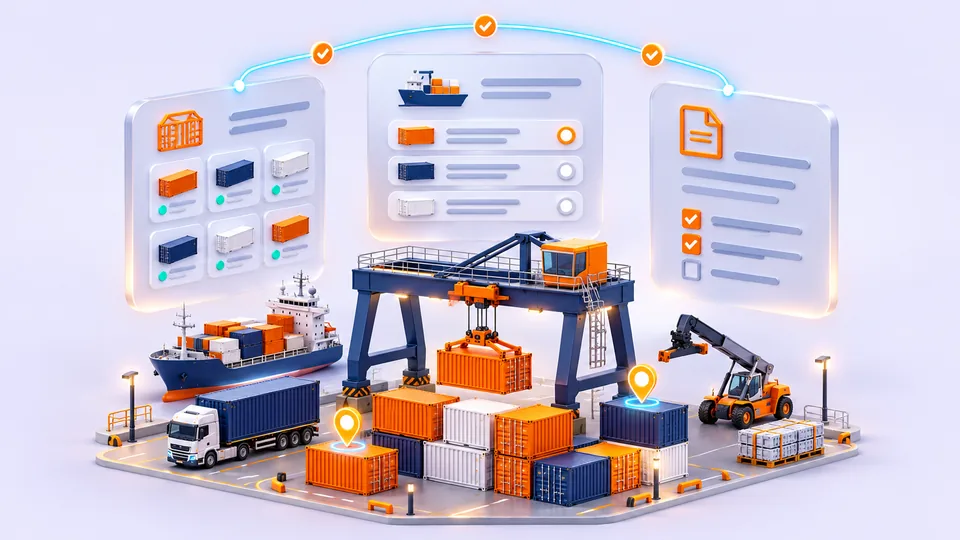
Availability and inventory
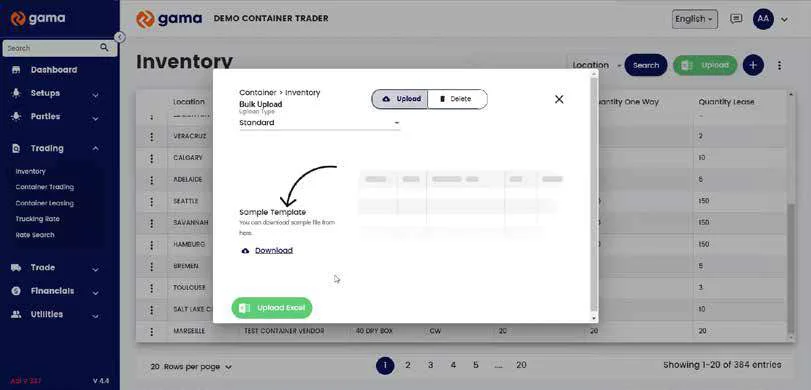
View container locations and availability. Keep size, type, condition and inventory records together, with bulk uploads for larger updates.
Trading and leasing rates
Set rates by location, currency and terms. Update multiple rates through bulk uploads.
Trade requests
Capture quantities, customer selections and discount codes. Keep requests traceable through their unique trade reference.
Invoices and financial records
Generate transaction invoices and keep payment information, bank details and financial records in one place.
Customers, vendors and documents
Organize customer and vendor details, transaction documents and customer discounts, with bulk entry where supported.
User access and policies
Manage logins, team and customer roles, permissions and system policies from the admin workspace.
From your inventory offer to your next customer request.
Give customers a clear path from your availability email to a trade request. Here is how the experience connects to your team.
Share your marketplace
Link availability emails and sales campaigns to your marketplace.
Customers explore your inventory
Review available equipment and purchase or leasing options.
Customers send a trade request
Send equipment requirements directly to your business.
Your team manages the transaction
Continue the relationship through inventory, documents and financial records.
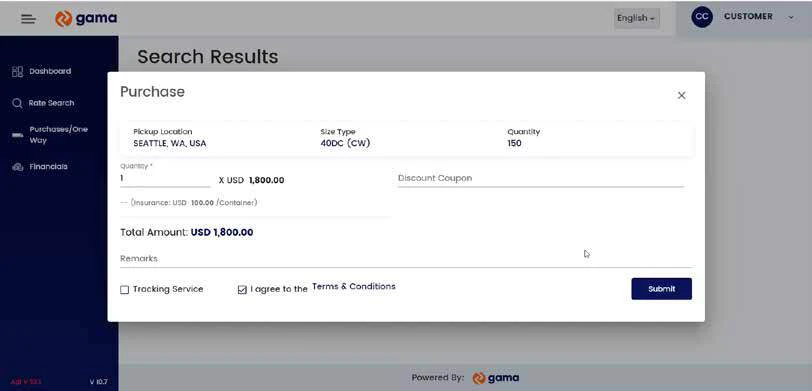
View inventory management
AI-assisted M&R review for container owners and NVOCCs
A planned maintenance and repair review workspace for the party authorizing the work. Depots submit photos and estimates; your team reviews the evidence and decides what to approve.
01 / Depot evidence
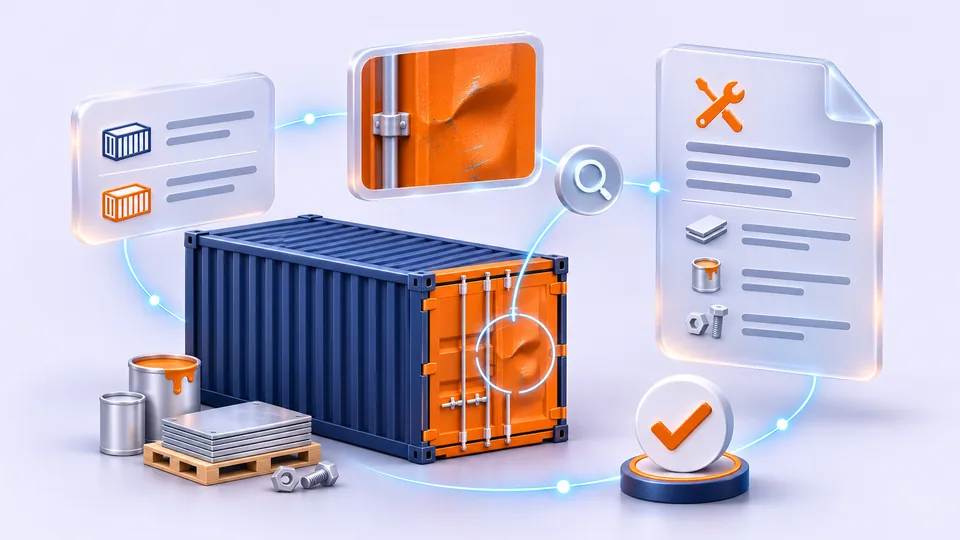
Photos, scope and quantities
GAMA AI review
Evidence · History · Rules
Does the evidence support the repair?
Connect the reported damage to the proposed repair, highlighting evidence that needs a closer look.
A visible dent alone may not establish the dimensions or full repair scope.
Request close-up photos and damage dimensions before approving a panel replacement.
Example guidance · Not an actual assessment
- Approve
- Request clarification
- Reject
Receive evidence
Receive depot damage photos and repair estimates against the relevant container record.
Read & assess
Use AI to read estimate lines and assess the supporting photos for the proposed repairs.
Compare & explain
Compare estimates with historical repair records and configured rules; flag discrepancies and explain recommendations.
Review & decide
Let your team approve, query or reject an estimate after reviewing the evidence and AI suggestions.
Apply your rules
Optionally configure rules-based automatic approval for qualifying estimates, with exceptions routed for human review.
Planned capability, not currently available. Your team will retain approval control, with optional rules-based automation and human review for exceptions.
Photo review: Does the evidence support the repair?See GAMA container trading and leasing
This 2-minute 47-second overview covers the customer dashboard, rate search, inventory, invoicing, documents and user permissions. It does not demonstrate the upcoming M&R module.
If the player is unavailable, open the original video. Watch on YouTube
Explore video chapters
Read video transcript
English transcript from the video’s automatic captions. Gama’s brand spelling is corrected and music markers are omitted; the spoken wording is retained.
Welcome to Gama, your all-in-one platform for container trading and leasing. Gama simplifies every step from managing inventory to completing transactions, making container trading faster, more efficient, and easy to manage.
Gama gives your customers a seamless branded experience with a user-friendly dashboard. They can view container availability, whether for purchase or lease, with all the information they need at their fingertips. It's designed to help them make quick, informed decisions, boosting their confidence in the process.
Gama's rate search and booking tools make finding and securing the right container simple. Customers can compare options and finalize their choice easily. The checkout process is smooth and straightforward, helping customers complete their
transactions without delays. Gama handles invoicing and payments securely and efficiently. Automated invoices make financial tracking easy, and customers can choose from a range of secure payment options. With everything organized in one place, managing payments and records is straightforward.
Now, let's explore the admin side of Gama. With Gama, you're in control and managing inventory, setting rates, and handling finances all from a single dashboard.
The admin tools in Gama make inventory management efficient and flexible. You can update container details quickly, and Gama's bulk upload feature saves time by allowing large-scale updates in a few clicks.
Setting and updating rates is simple with Gama's tools. You can define rates based on location or terms and even make updates in bulk. This gives you flexibility and ensures that your pricing stays competitive.
Gama's financial module keeps everything organized. It auto-generates invoices for completed transactions and provides a clear overview of payments and financial records, all accessible from one central place.
Admins can easily manage essential documents and create discount coupons to reward loyal customers. This helps maintain organized records and encourages stronger customer relationships.
Gama's setup tools make easy to organize bank accounts and customer or vendor information. A bulk upload feature supports large data entries, saving time and keeping your records accurate and up to date.
With Gama, you have full control over user access and permissions. This allows you to set up logins, manage roles, and customize policies for team members and customers, ensuring secure, tailored access.
Gama is the complete solution for efficient container trading and leasing. From managing inventory and rates to ensuring secure transactions and financial tracking, Gama lets you focus on growing your business. Reach out to us today to get started with Gama and experience the future of container management.