
البرمجيات والذكاء الاصطناعي6 دقائق للقراءة
Freight Software Migration Reconciliation: A Cutover Checklist
Use this reconciliation checklist to prepare freight data, opening balances, exceptions, and rollback plans before software cutover.
Why reconciliation matters before cutover
A freight software migration is not the same as an integration project. Integration connects systems so data can move between them. Migration changes where the operational record lives. That makes reconciliation the point where owners, operations, and finance confirm the new system is ready to become the source of truth.
If the new environment goes live with unresolved shipment balances, mismatched invoices, or unclear ownership of exceptions, the team inherits confusion on day one. A practical TMS cutover checklist should therefore focus less on technical installation and more on proving that core records agree.
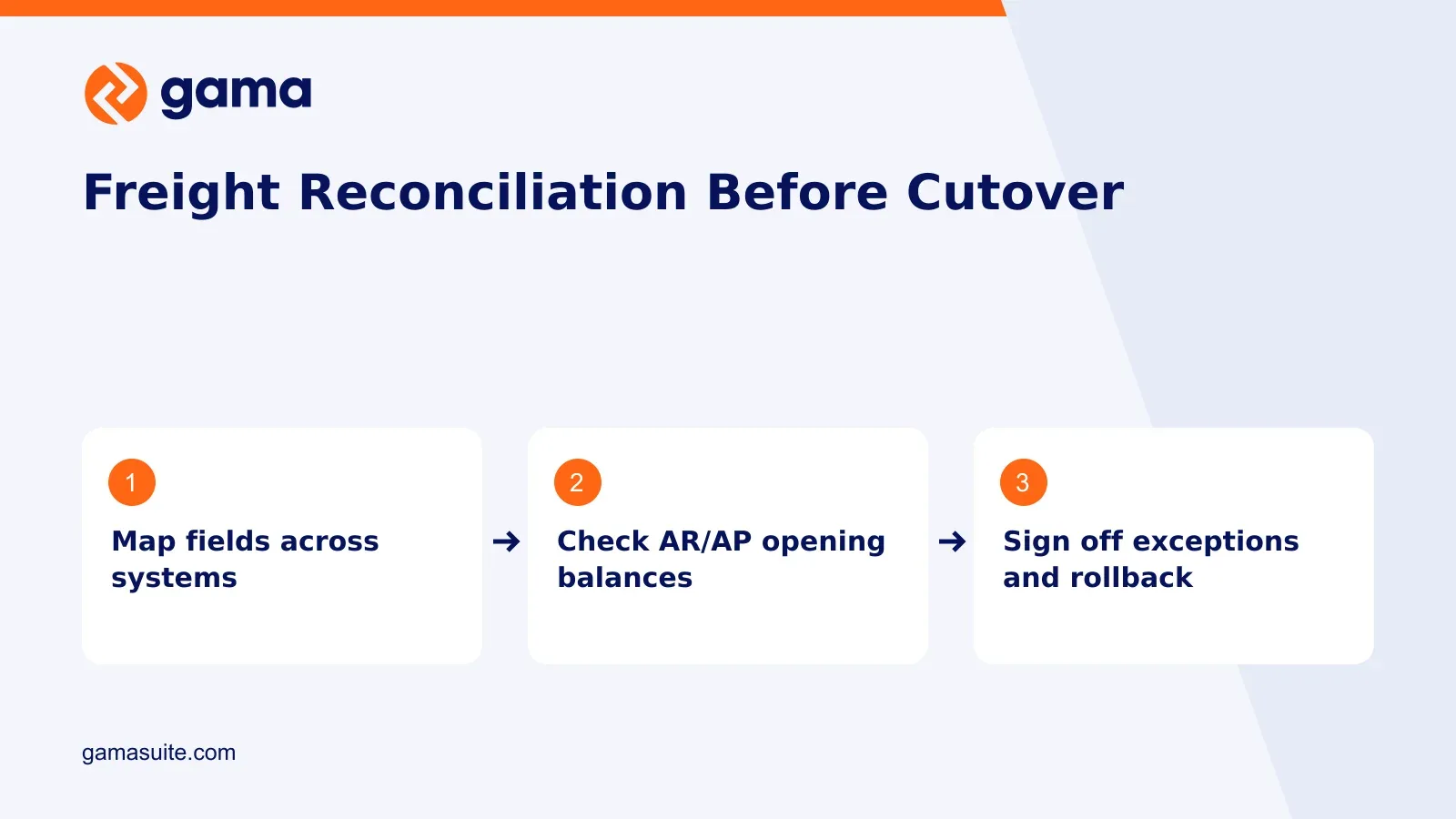
For freight forwarders, that usually means checking three things before cutover: the data model is mapped correctly, opening AR/AP is accurate, and the team has a documented process for any exceptions that remain open at go-live.
Set scope and ownership first
Start by defining exactly what is moving and who approves it. A migration can include active shipments, historical shipment references, quotations, rates, customer and vendor masters, documents, receivables, payables, and user roles. Not every field has to migrate, but every field that does move needs an owner.
Assign responsibility in plain language:
- Operations owns shipment status, milestones, document references, and exception review.
- Finance owns opening AR/AP, credit notes, invoice status, and posting cutover approvals.
- IT or implementation support owns field mapping, imports, testing, and access controls.
- Leadership signs off on the cutover decision and rollback threshold.
This ownership step sounds simple, but it prevents a common failure mode: everyone assumes someone else checked the numbers.
Map the data before you move it
The most time-consuming part of freight software migration reconciliation is usually not loading data. It is deciding how old fields map into the new structure.
Build a mapping sheet that lists the source field, the target field, data type, required format, and business rule. For example, a legacy “job status” field may split into multiple fields in the new system, such as booking status, in-transit status, and invoice status. A single “customer” record may need separate fields for billing party, shipper, consignee, and notify party.
Review the map with operations and finance together. If either side interprets the field differently, the migration will preserve the mismatch instead of fixing it.
A good test is to pick one shipment and trace it from quote through booking, shipment, charges, invoice, and payment status. If the same record can be understood in both systems without manual translation, the mapping is probably sound.
Reconcile opening AR and AP
Opening balances are where migration risk becomes visible. Before cutover, finance should reconcile the opening accounts receivable and accounts payable against the legacy system and supporting documents.
That review should confirm:
- open invoices match the source system
- credits, debit notes, and disputed balances are identified
- vendor costs due but not yet invoiced are flagged
- customer invoices issued but not yet collected are carried correctly
- any write-offs or manual adjustments are approved and documented
Do not rely only on totals. Freight jobs often hide discrepancies in a handful of records. A small number of mismatched shipments can create a large difference in opening balances, especially if the records include local charges, advances, or split billing.
Example: one shipment from cost to invoice
Consider a fictional sea freight shipment for one customer. The operation includes a base freight charge, a local origin charge, and a destination handling cost. The carrier invoice arrives after the shipment is booked, and the customer invoice is issued later with the agreed markup.
In the legacy system, the shipment shows as completed, but one destination charge is still open and the customer invoice is only partially paid. During migration, the team must verify four things:
1. the shipment status is closed correctly
2. the payable side includes the outstanding destination charge
3. the receivable side shows the full customer invoice amount
4. the payment allocation matches the invoice balance after cutover
If the new system shows the shipment as fully settled while finance still expects a cost invoice, the migration has not reconciled the record. The balance may look clean in a summary report, but the operational truth is not yet aligned.
Handle exceptions before sign-off
Some records will not reconcile cleanly. That is normal. What matters is how exceptions are documented and approved.
Create an exception log with the shipment reference, issue description, financial impact, owner, and resolution path. Common examples include missing vendor invoices, duplicate charges, rate disputes, incomplete documents, and records with legacy codes that do not map cleanly.
Each exception should have one of three outcomes before go-live:
- resolved and rechecked
- approved for carryover with a named owner
- excluded from cutover with a documented reason
Avoid vague approval language. If a record is intentionally carried forward, define when it will be reviewed again and who is responsible.
Rehearse the cutover and define rollback conditions
A rehearsal is not a demo. It is a dry run of the migration steps, reconciliation checks, and decision points the team will use at go-live.
Use the rehearsal to confirm:
- data import timing
- user access and permissions
- opening balance validation
- shipment search and reporting
- invoice posting and payment review
- backup and rollback procedures
Rollback planning is part of control, not failure. Define the conditions that would justify pausing go-live, such as material balance differences, missing master data, or unreconciled high-value shipments. If the team knows the threshold in advance, the cutover decision is easier to make under pressure.
A practical next step
Before you switch systems, run a small reconciliation pilot on a sample of active shipments and opening balances. Use the sample to test the mapping, document the exceptions, and confirm who signs off. Then review the results with operations, finance, and implementation support together.
If you are planning a freight software migration and want to discuss workflow ownership or acceptance criteria, review the GAMA Forwarders or Finance pages with your team and compare them against your cutover checklist.
Distinguish migration from integration in your plan
Integration can continue after go-live. Migration ends only when the new system can carry the business record accurately. That is why reconciliation deserves time in the project plan. It turns a software change into a controlled operational handoff instead of a leap of faith.
Sources
- [GAMA official platform overview](https://gamasuite.com/en/)
- [www.gamasuite.com](https://www.gamasuite.com/en/forwarders/)
- [www.gamasuite.com](https://www.gamasuite.com/en/finance/)
- [learn.microsoft.com](https://learn.microsoft.com/en-us/dynamics365/guidance/implementation-guide/prepare-go-live-checklist)
Related GAMA articles
- [How AI is Shaping the Future of Freight Forwarding and Logistics?](https://www.gamasuite.com/en/blog/how-ai-is-shaping-the-future-of-freight-forwarding-and-logistics/)
- [Beyond Compliance: Why Sanction Screening in Digital Freight Workflows is Now Critical?](https://www.gamasuite.com/en/blog/beyond-compliance-why-sanction-screening-in-digital-freight-workflows-is-now-critical/)
- [From WhatsApp to Workflow: Why Exporters Need Structured Digital Freight Collaboration in 2026](https://www.gamasuite.com/en/blog/from-whatsapp-to-workflow-why-exporters-need-structured-digital-freight-collaboration-in-2026/)
- [GAMA product information](https://www.gamasuite.com/en/forwarders/)
- [GAMA product information](https://www.gamasuite.com/en/finance/)